

The Importance of File Protection
We all have those pieces of information, those very private files, that we don't want to share with anyone. Work related or just personal documents, photos and videos - all is important, and we deserve digital privacy! That's why we created a feature that would make this ultimate data protection possible.
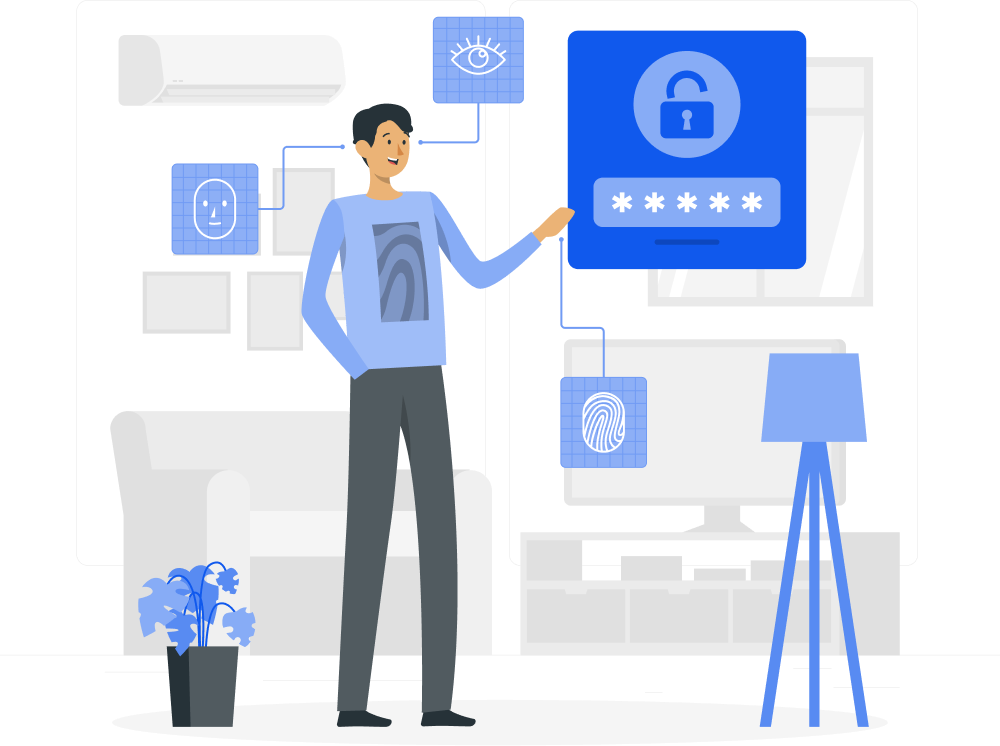

What is Flaxxa Drive Encryption?
By default Flaxxa Drive will keep older versions and files in the Trash for up to 30 days. You can extend that time up to 1-year with Extended File History. Your files will be protected from theft, hard drive failure or ransomware.
The Flaxxa Drive Encryption Challenge
We are confident that we have built client-side encryption software that nobody can hack. To prove this, we challenged hackers from all parts of the world. Participants from top universities, including Berkeley, Boston, MIT and 613 other organizations put our encryption system to the test. None of them succeeded!
Award
$100,000
Participants
2860
Time
180 days
Hacks
0
The Building Blocks of Flaxxa Drive Encryption
Client-side encryption
With client-side encryption your sensitive files are locked right on your device. Even if your laptop or phone gets stolen, your data will stay hidden.

Zero-knowledge privacy
Applying zero-knowledge privacy means that neither we, as a service provider, nor any authority or service, will ever have access to your files.
Multi-layer protection
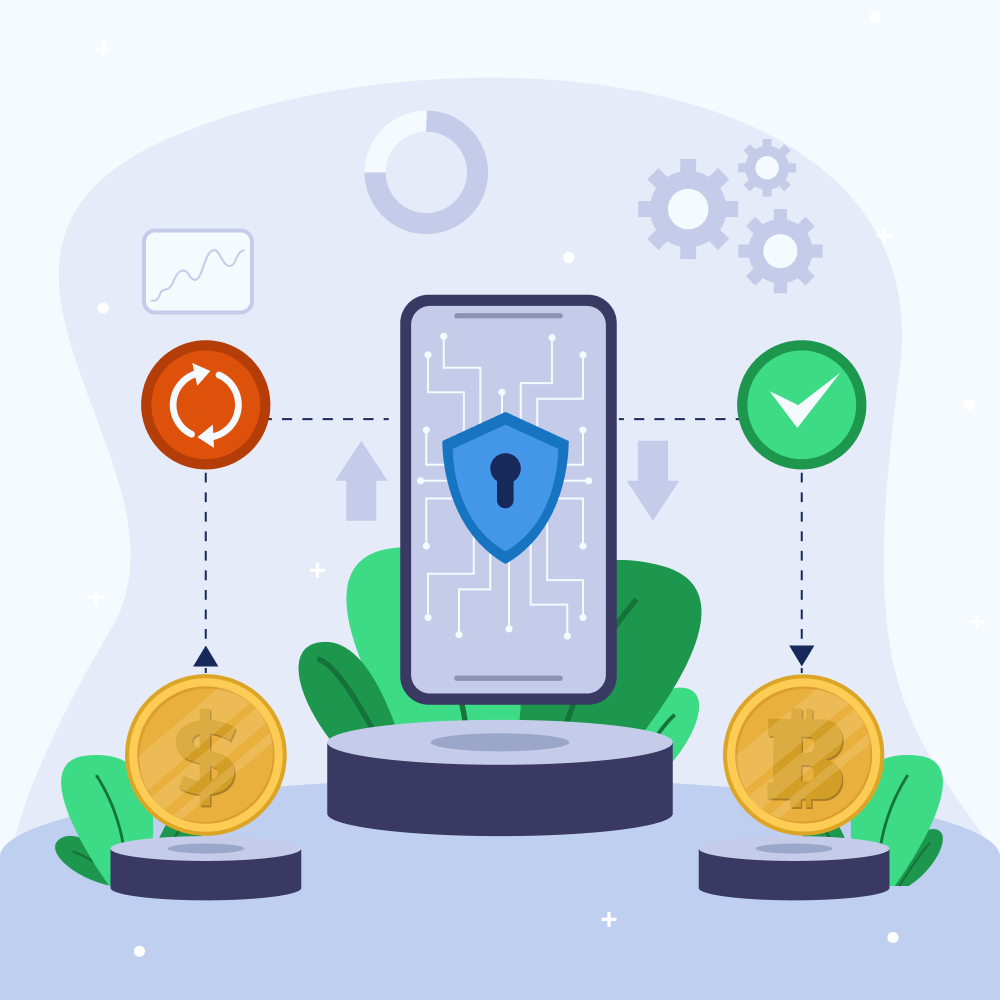
Our encryption algorithms include a number of protection layers and keys. Additionally, the user locks their files with a Pass, making them invisible to others.
Ease of Use
Flaxxa Drive Encryption is in its essence an encrypted folder on your system. To encrypt your files you just need to place them in this protected folder. We have made military-grade file security so easy and intuitive that you don't need to be an expert in order to start encrypting your files.


Accessibility on Any Device
Flaxxa Drive offers multi-device usability, meaning that you can access your sensitive files on any device. Use Encryption in your web browser at my.royaldrive.com, on your Android or iOS mobile, or on PC with Flaxxa Drive.
How to Set Up a Encryption Folder?
Protect your most important files, get Flaxxa Drive Encryption now.

